
Erghy Bluetooth1.0.0 - App Store
You'll be able to see results in few seconds.
Publisher Description
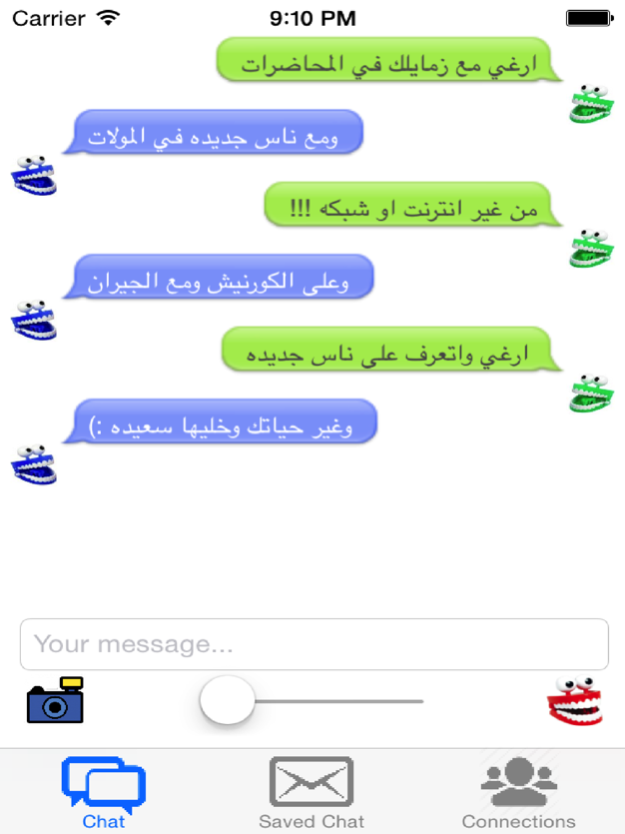
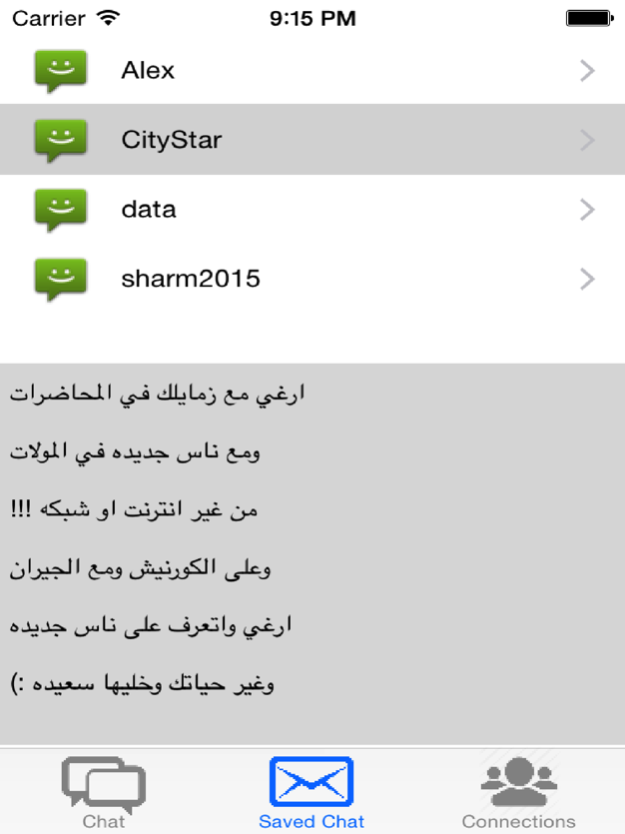
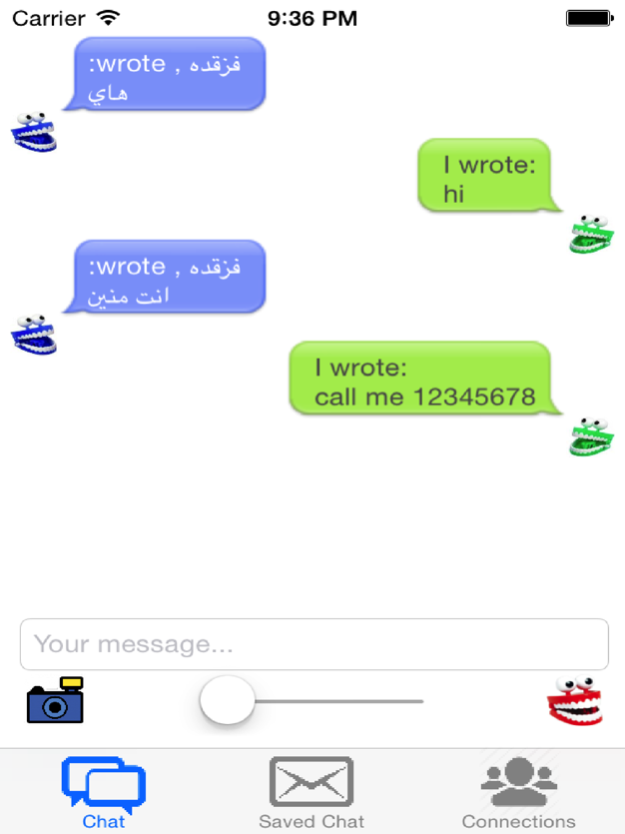

من افضل برامج الدردشه حيث يمكنك عمل شات مع اشخاص يستخدمون نفس البرنامج من غير سابق معرفه وبدون الاتصال بالانترنت او وجود شبكه باستخدام البلوتوث او الواي فاي, تستطيع من خلال برنامج إرغي عمل شات حتى 7 اشخاص في وقت واحد ويمكن استخدامه في الجامعات في محاضره او سكشن او اثنا التسوق فى المولات او على الشاطئ او فى مترو الانفاق او الكافيهات او مع الجيران ومن أهم مميزات البرنامج الدردشه من غير انترنت وبشخصيه مجهوله وعمل شات مع اى شخص دون معرفته ودون معرفة تفاصيل عنك .
Erghy considered one of the best chatting apps , it allows you to chat with people using the same program without knowing them and without internet using bluetooth or wifi. you can chat with anyone, it can be used in universities , malls , beach , metro or with neighbors .The most important feature of Erghy it allows you to chat without internet annonymously with anyone without knowing them and without expose any information about your identityRecent changes:Adding more compatibility for other devices
Feb 13, 2017
Version 1.0.0
This app has been updated by Apple to display the Apple Watch app icon.
About Erghy Bluetooth
The company that develops Erghy Bluetooth is Haitham Khedre. The latest version released by its developer is 1.0.0.
To install Erghy Bluetooth on your iOS device, just click the green Continue To App button above to start the installation process. The app is listed on our website since 2017-02-13 and was downloaded 0 times. We have already checked if the download link is safe, however for your own protection we recommend that you scan the downloaded app with your antivirus. Your antivirus may detect the Erghy Bluetooth as malware if the download link is broken.
How to install Erghy Bluetooth on your iOS device:
- Click on the Continue To App button on our website. This will redirect you to the App Store.
- Once the Erghy Bluetooth is shown in the iTunes listing of your iOS device, you can start its download and installation. Tap on the GET button to the right of the app to start downloading it.
- If you are not logged-in the iOS appstore app, you'll be prompted for your your Apple ID and/or password.
- After Erghy Bluetooth is downloaded, you'll see an INSTALL button to the right. Tap on it to start the actual installation of the iOS app.
- Once installation is finished you can tap on the OPEN button to start it. Its icon will also be added to your device home screen.
Program Details
System requirements
Download information
Pricing
Version History
version 1.0.0
posted on 2017-02-13
Feb 13, 2017
Version 1.0.0
This app has been updated by Apple to display the Apple Watch app icon.
Disclaimer
Official App Store Link
We do not host Erghy Bluetooth on our servers. We did not scan it for viruses, adware, spyware or other type of malware. This app is hosted by Apple and passed their terms and conditions to be listed there. We recommend caution when installing it.
The App Store link for Erghy Bluetooth is provided to you by apps112.com without any warranties, representations or guarantees of any kind, so access it at your own risk.
If you have questions regarding this particular app contact the publisher directly. For questions about the functionalities of apps112.com contact us.
